


Browse The Web / Webbrowser
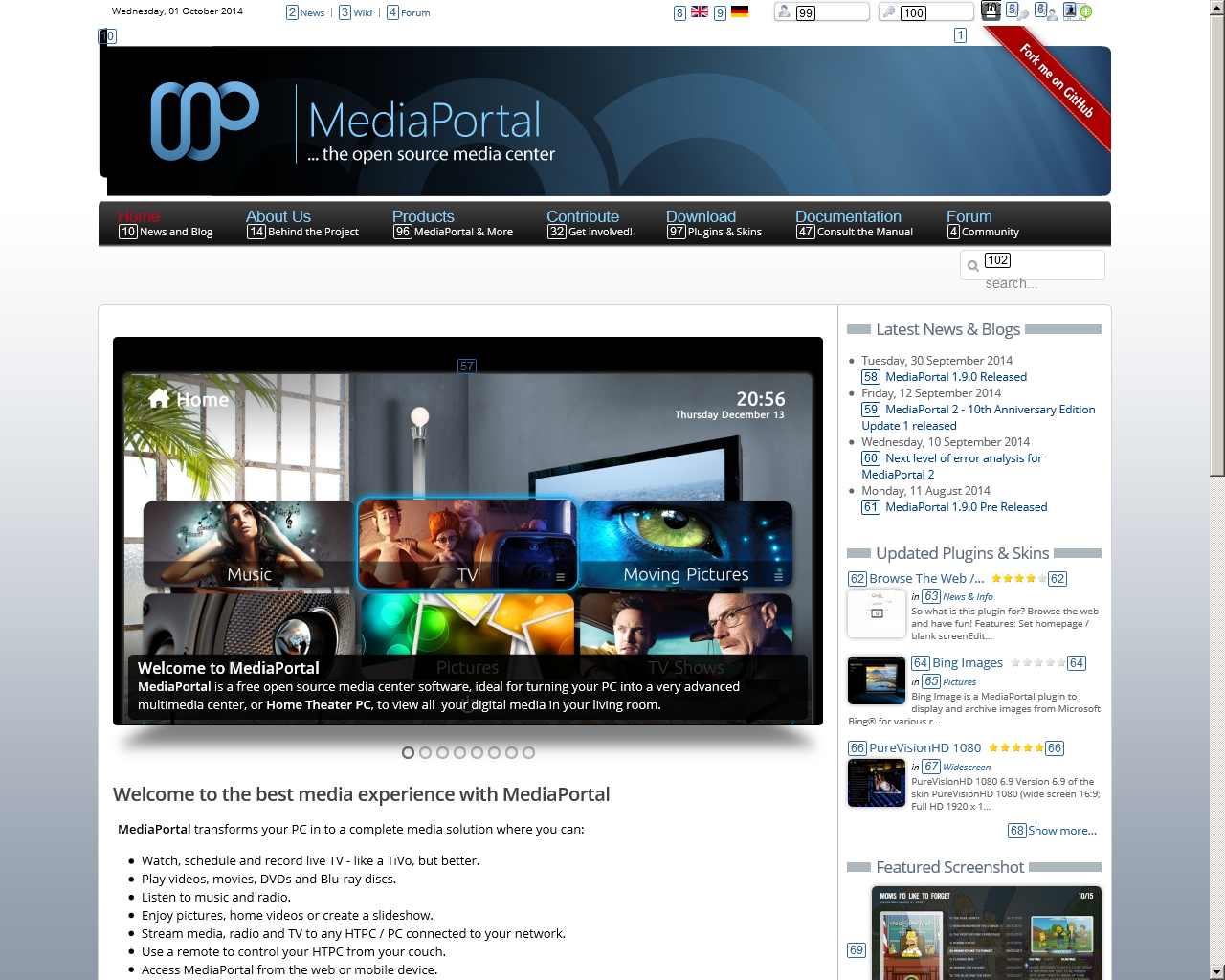


So what is this plugin for? Browse the web and have fun!
Features:
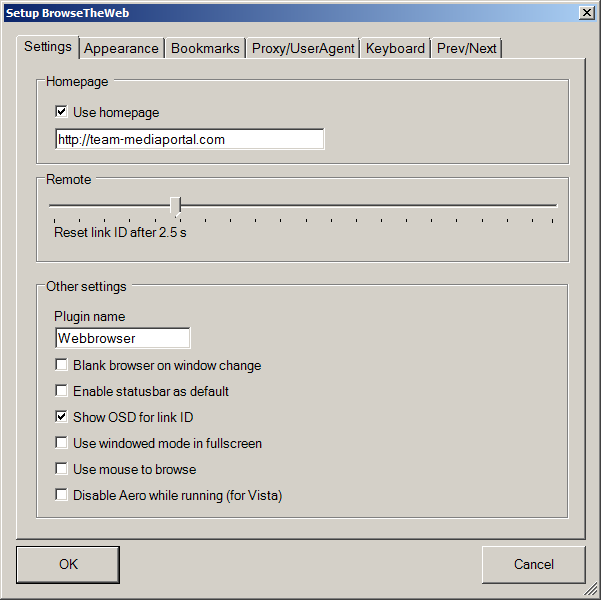
Set homepage / blank screen
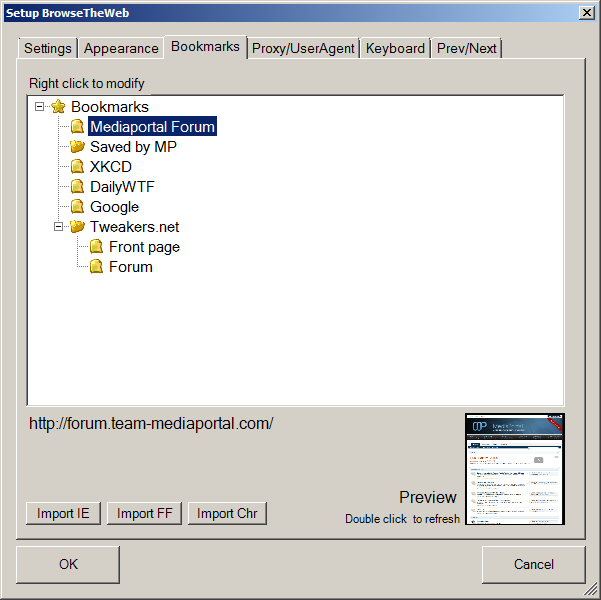
Edit/Save bookmarks in the setup
Save bookmarks inside MP
Zoom in and out
Move the window in all directions
Set font / zoom size in setup
Rename the plugin
Alternate OSD to show selected link ID
Optional show status bar on bottom
Quick guide:
Remote:
To select a URL press "Play" and enter the URL
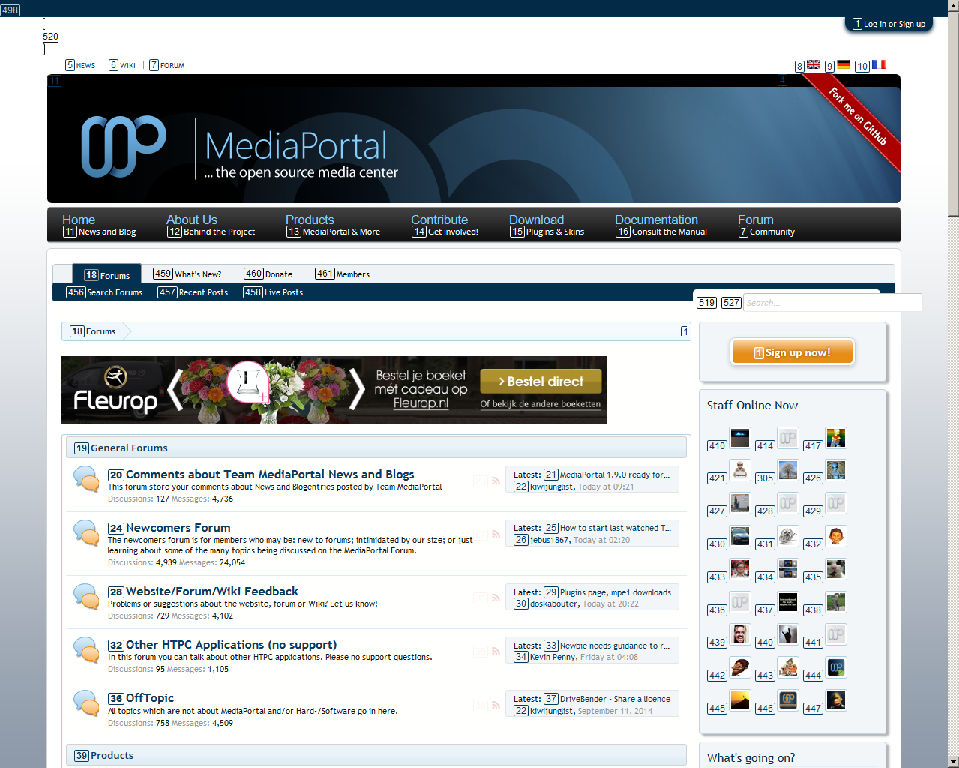
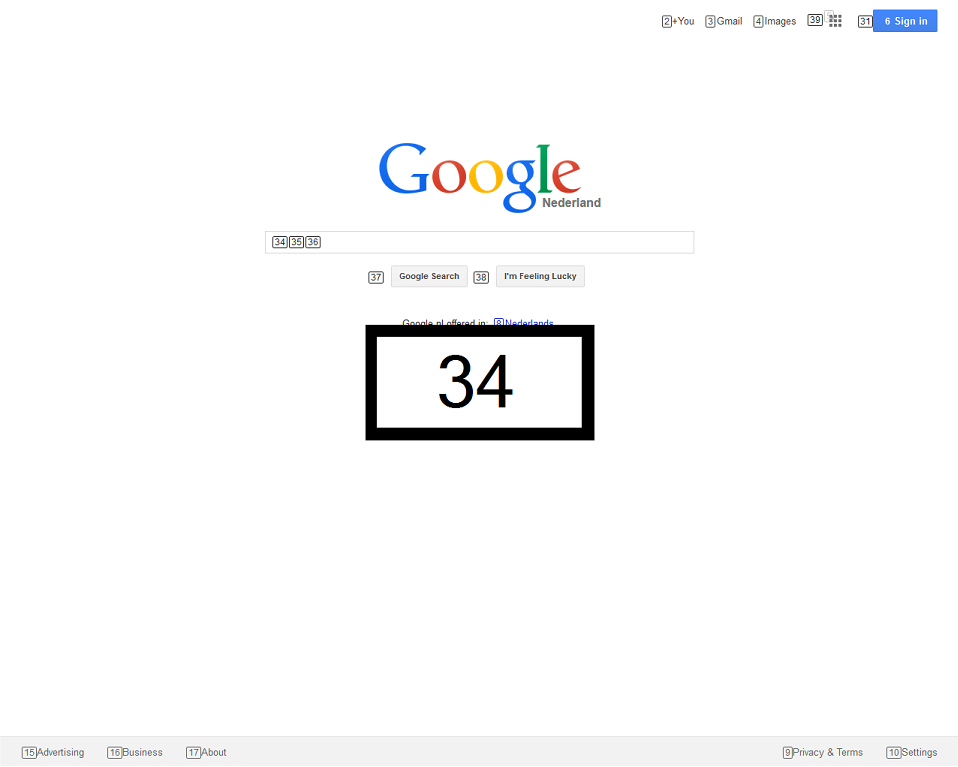
To navigate to a link "12" press 1-2- on your remote
on the keyboard:
To select a URL press "P" and enter the URL
To navigate to a link "12" press 1-2- on your keyboard
Based on version 45 of core
Added video elements
v1.6.2.0
Based on version 33 of core
Disabled pop-up windows
v1.6.1.0:
Numbers for flash objects and other html-objects now displayed on top of the flash instead of above it
Fixed prev/next issue with iframes
Fixed bug: Bookmarks added in Mediaportal were not saved
v1.6.0.0:
Added option for previous and next pages
Improved bookmark handling
Improved number-placing
Improved keybindings
Fixed missing thumbs
Fixed spurious duplicate link numbers
Fixed focus issues with flash player
v1.5.0.1: Fixed compatibility issue
v 1.5.0: Preserve bookmark folder structure on import
Fixed mouse visibility
Fixed some mouse click issues
Uses Gecko version 22
v.1.4.0: Fixed some gui issues, fixed compatibility with MediaPortal 1.6
v1.3.0.0:Fixed creation of thumbnails
Better handling of elements with onclick handler
Reuse numbers for elements with same href
v1.2.0.0: Added compatibility with 1.4.0
Fixed click issue when zoom isn't 100%
Fixed missing round corners at link-numbers
Improved placement of link-numbers
v1.1.0.0: Added compatibility with MP 1.4.0
More items to click on
Added skin selection to installer
Fixed installation issues
Skin improvements
v1.0.0: Based on xore 18.0.2
v0.3.11: Versioned installer
v0.3.10:Better cleanup previous version at install, improved exiting plugin
v0.3.9: Added Titan skin files
v0.3.8: Fixed zoom issue, Added possibility for skinners to define the area of the statusbar and webbrowser control
v0.3.7: Fixed toggle mouse option, added linkid to flash objects (performs a click in the middle of the object), added compatibility with MP 1.3.0 Alpha
v0.3.6: Fixed initial defaultzoom again, improved display of numbers of the urls, fixed password dialog (show *), fixed mouse cursor not disappearing
v0.3.4 & v0.3.5 fixed some config-issues, and initial zoom values
v0.3.3 fixed missing trailing "/" in urls
v0.2.7 changes path for thumbs to "thumbs"
v0.2.6 bookmark view change able
v0.2.5 mouse support and remote config
v0.2.4 possible to import FF & IE, some bugs fixed
v0.2.3 add forced windowed mode
v0.2.2 add proxy support
v0.2.1 run xulrunner extract first
v0.2 add thumbs for bookmarks , ready for info service
v0.1.1 add some log and diagnostic for remote
v0.1 initial release

I was going to write a webbrowser plugin for mediaportal ( I'm a retired senior software developper ) when I found yours. I don't want to re-invent the wheel so I installed it, but this 0.2.7 version has a compatibility issue with the latest version of mediaportal.
I found a 0.3.2 version that I could install but it does not work, it hangs and shows funny numbers besides controls on the web page.
So...
Do I write mine or do you think you can make it work soon ?
My OS version is Windows 7 Starter, and mediaportal is 1.2.2
Regards
Yan
For bugs: please report them in the forum
And those numbers: These are the numbers you have to enter (with your remote) to navigate to that url.
So I don't think writing your own plugin is necessary
Submit review See all 1 reviews


