




Pictures
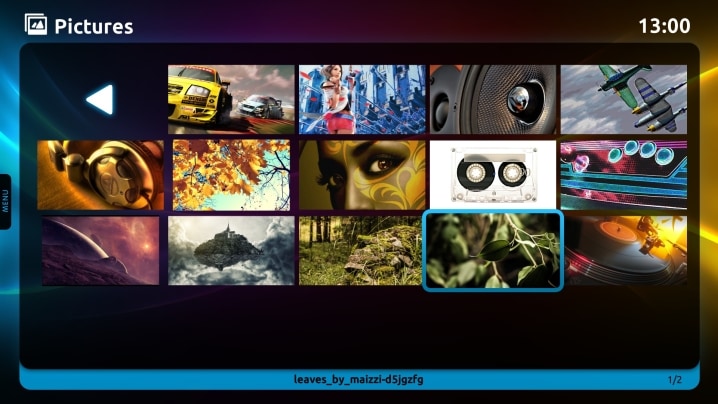
Scan your drives and display all your photos or images, either as a single image or a slide show presentation, on your widescreen HD TV!
Manage Pictures
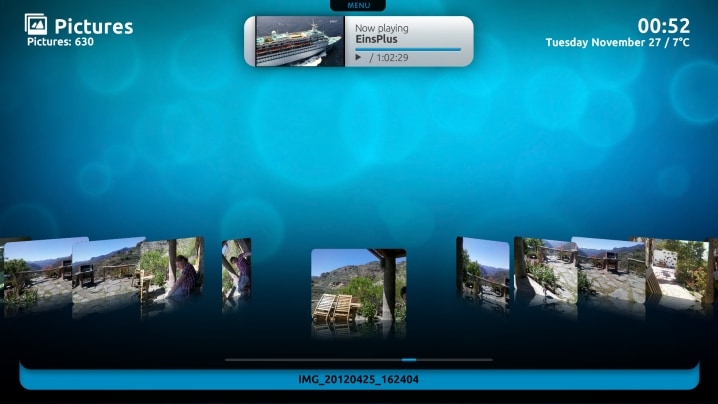
View or sort your favorite images by file name, date, or size, and in a any layout you wish–List, Icons, or Filmstrip
Picture Details
View image file information, such as date taken, dimensions, resolution, camera model, equipment make, flash, F-stop, metering mode, shutter speed, compensation, or exposure settings
Slide Show
With a single click, you can choose to display a slide show of all images in the current folder, or a recursive slide show including all images in sub folders
View Pictures: your digital photo album
Where have all those photos gone? Fear no more, MediaPortal can scan your drives and display all your photos or images for you, either as a single image or a slide show presentation. Share the memories with family and friends. Reduce them to tears or laughter, or pause the show to bore them with your latest anecdotes and embarrassing tales. You can even play background music with a slide show of all your album art, or shots of your latest vacation.
"Whether you are looking to create a Home Theatre PC or a slick interface for a showroom/exhibition demo machine, the open source MediaPortal could be just what you are looking for..." - Marketing Your Business by Martin Bailey
Organize Your Images
MediaPortal can automatically index and create thumbnails of all your image files in any format, not only your photos. You can even configure the resolution, or thumbnail quality, you prefer.
You can also easily manage your photo albums all from the remote using rename, delete or file folder options.
View Your Photos
View or sort your favorite images by file name, date, or size, and in a any layout you wish–List, Icons/Big Icons, or Filmstrip.
Show the full image and view the next or previous image. You can zoom in or out, and also rotate pictures. The rotation is non-permanent, but remembered next time.

Picture Details
View full file information, such as date taken, dimensions, resolution, camera model, equipment make, flash, F-stop, metering mode, shutter speed, compensation, or exposure settings.
Create a Slide show
Create amazing presentations of your favorite images, not only vacation photos, or pictures of family and friends, but album art, DVD covers, or even fanart for your movies and TV shows.
With a single click, you can choose to display a slide show of all images in the current folder, or a recursive slide show including all images in sub folders.
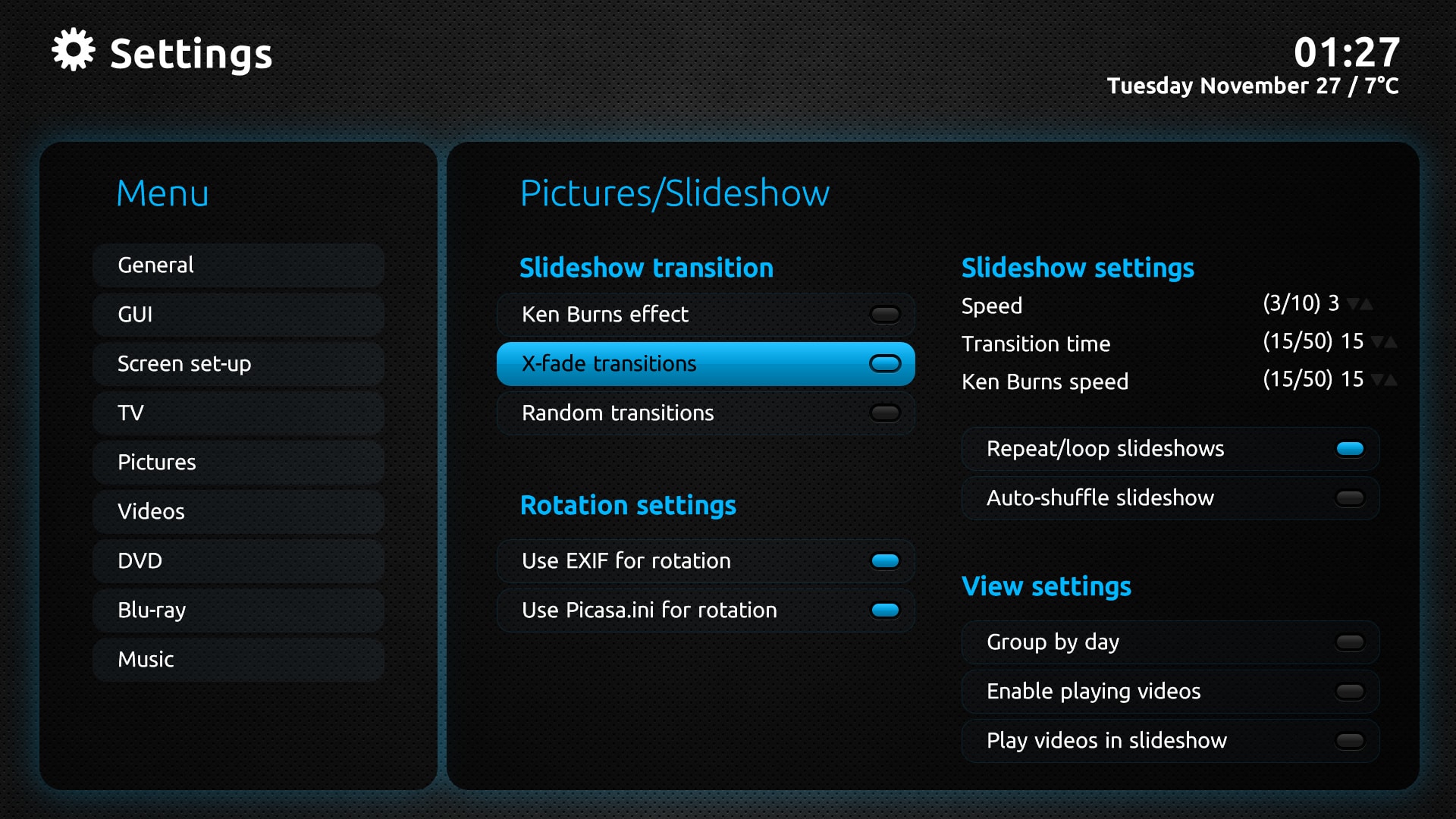
Configure random or x-fade transitions; repeat, loop or auto shuffle your slide show; or, apply Ken Burns effects. Then, add background music, either music or radio, and you are ready for your next party, family gathering or business presentation.


