




Plugins
Hundreds of developers create plugins for MediaPortal that do almost anything you can think of, with new ones added almost daily. The only limit is your imagination!
Moving Pictures
Designed especially for your movies, the Moving Pictures plugin includes categories, parental controls, multiple posters and full screen backdrops (fanart)
Online Videos
MediaPortal’s answer to Boxee - one plugin to rule them all! Access online videos from Youtube, Google Videos, CNN, Apple Trailers, wwitv and many more online sites
Fanart Handler
Automatically download music fanart and artist images from the htbackdrops site to display on relevant screens throughout MediaPortal, not only for music, but videos, movies, TV shows and recorded TV
TV Series
Access movie show times around the world, without leaving the TV. This plugin will get oohs and ahhs from all your guests
Plugins: a world of imagination
MediaPortal's flexible design enables developers to create plugins to do almost anything you can think of. The only limit is your imagination. Hundreds of developers design plugins for MediaPortal, so there is a huge variety to choose from, with more added every day.
"From the plugin perspective, MP again shone brightly. It was like working with Tinker Toys again, very simple but with a definite purpose." - GeekTonic by Ray (GhostLobster)
Finding
Were you wondering if MediaPortal can...? Probably it can! Just check the vast list of supported plugins on our Downloads page.
There are plugins for every area of MediaPortal, from the popular TV Series and Moving Pictures plugins to Showtimes for movies around the worldwide, Scorecenter for sports scores, World Maps, Anime and many, many more.
Using
Plugins are fully integrated into MediaPortal.
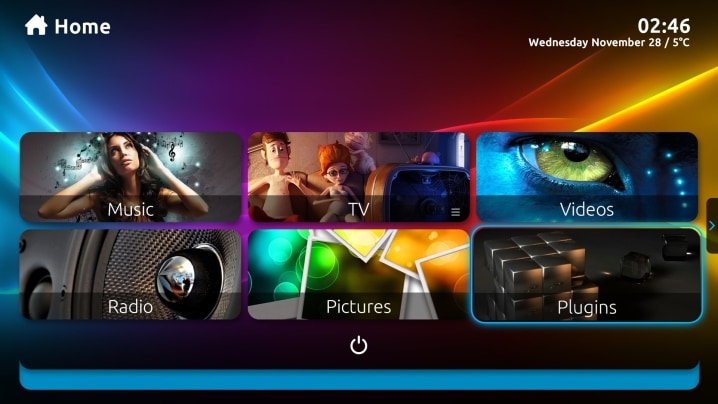
Once installed, you may use them from the Home window, either by using the Plugins button, or by configuring your Home window to display whatever Plugins you wish.
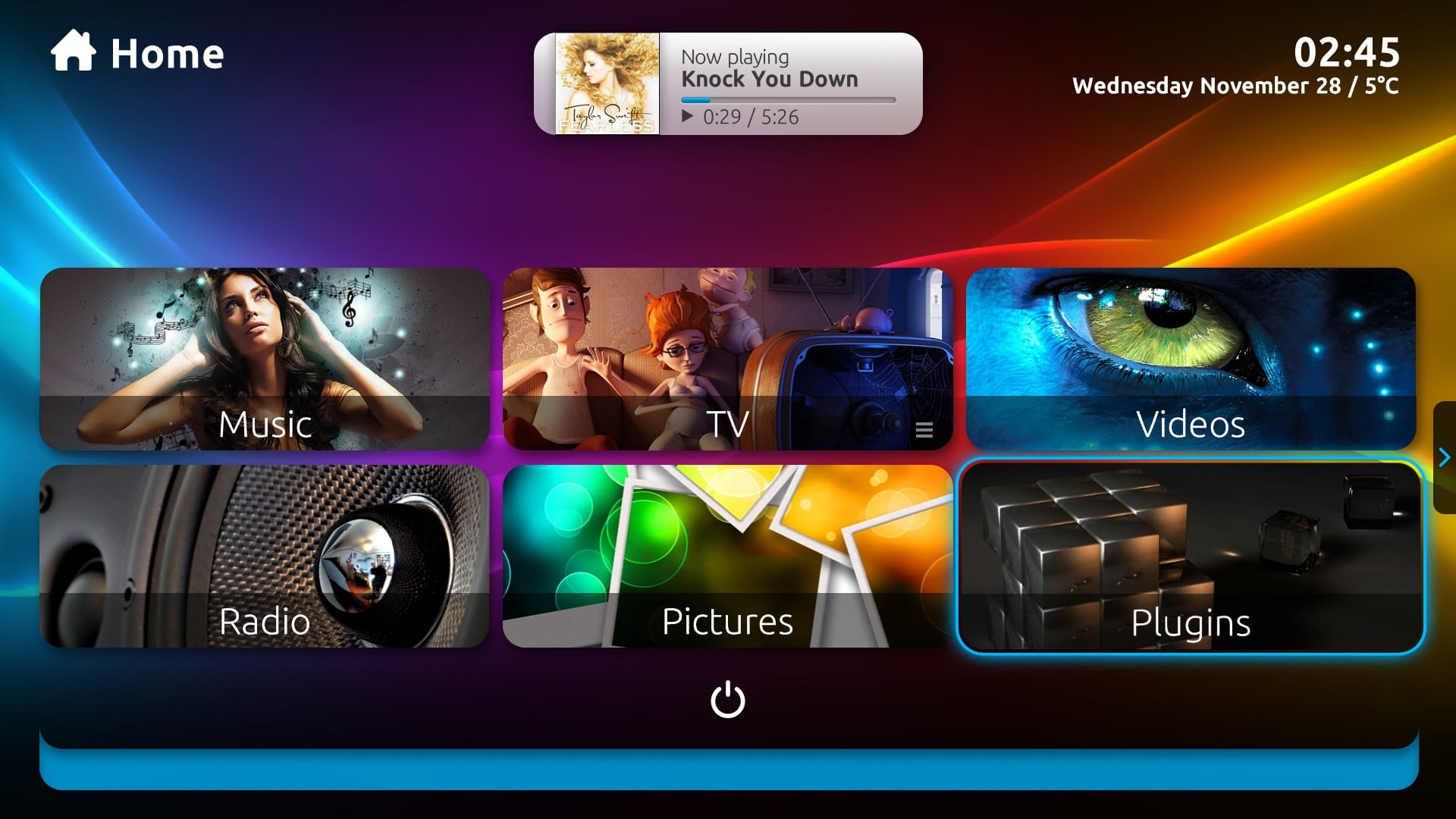
Plugins work just like any built in MediaPortal features, you will never know the difference, the integration is that seamless.
Installing
MediaPortal offers a standard Extensions Installer (MPEI) for all Plugins. Just double click the install file and it will install the Plugin for you.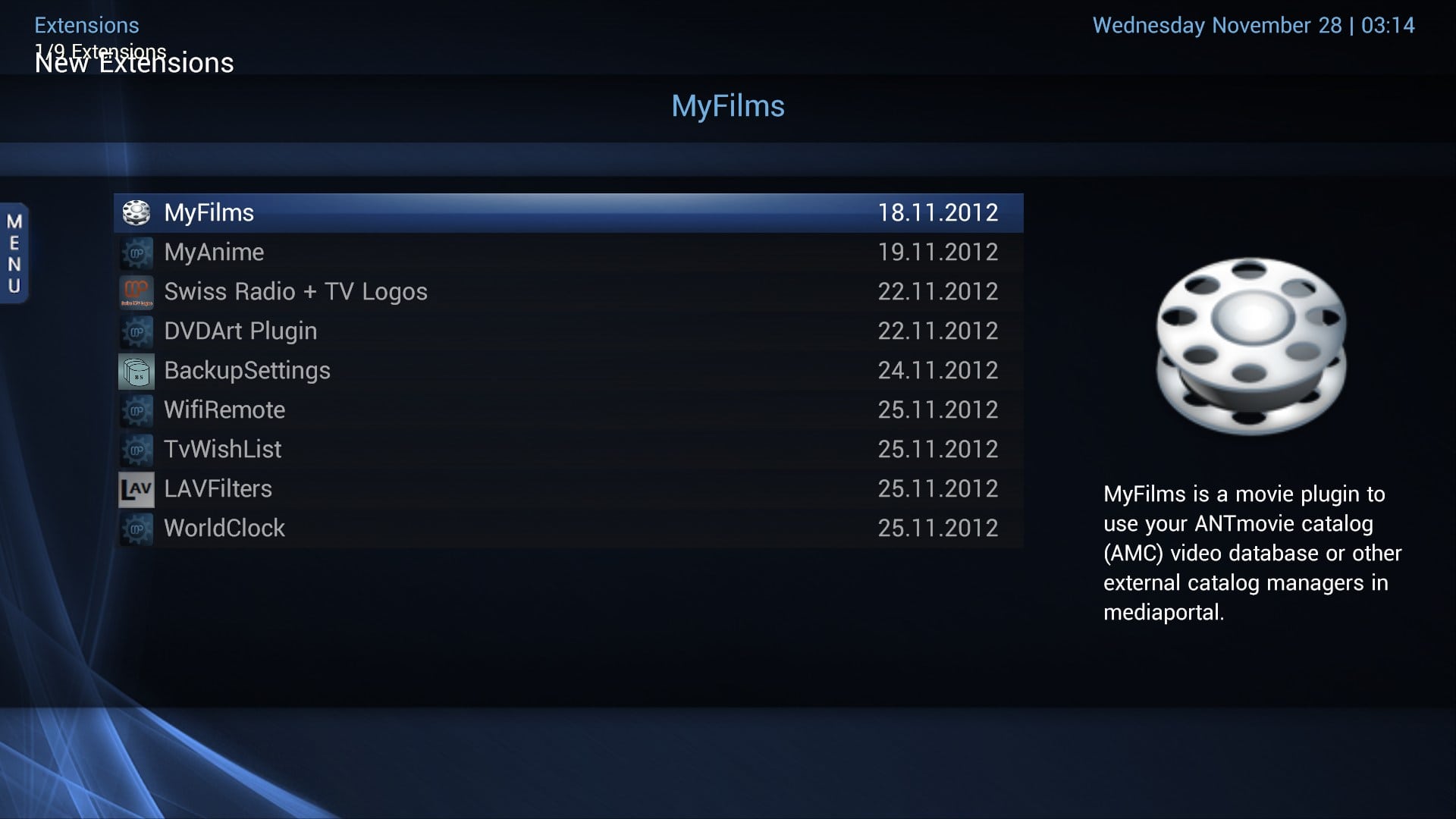 Not only that, the Extensions Installer will keep track of all your installed Plugins, allow you to uninstall or reinstall them, and tell you when updates are available.
Configuring
All Plugins can be configured from the main MediaPortal Configuration program the same way you configure your MediaPortal options.
You can easily select which Plugins you wish enabled or which ones you wish to display on your Home window.
Most plugins offer advanced configuration options to tailor the plugin to suit your needs.


