MediaPortal 2 Alpha 3 released
 Finally here it is! The next MediaPortal 2 alpha release - dubbed Alpha 3 - is out the door.
Although progress since Alpha 2 has been immense, please be aware that this is still an alpha release and therefore not meant to be used on a productive system. Make sure that you read the instructions at the end of this news regarding installation, upgrade and extension compatibility.
Summary of changes

- Improved user experience:
- Added support for resuming playback, the resume position stored in central MediaLibrary
- Added support for more image formats that can be used inside MP2
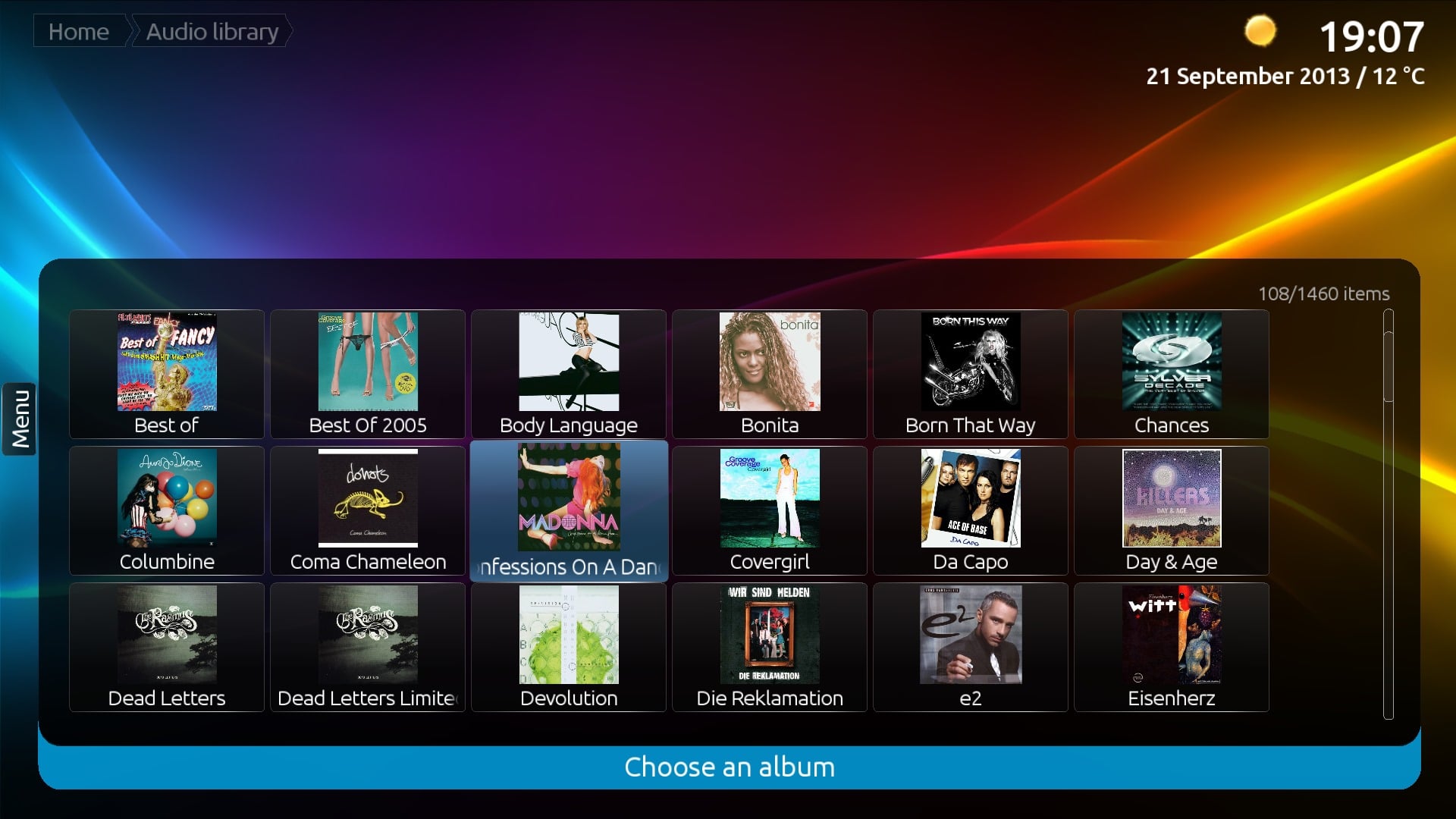
- Added audio album cover support for Titanium and Reflexion skin
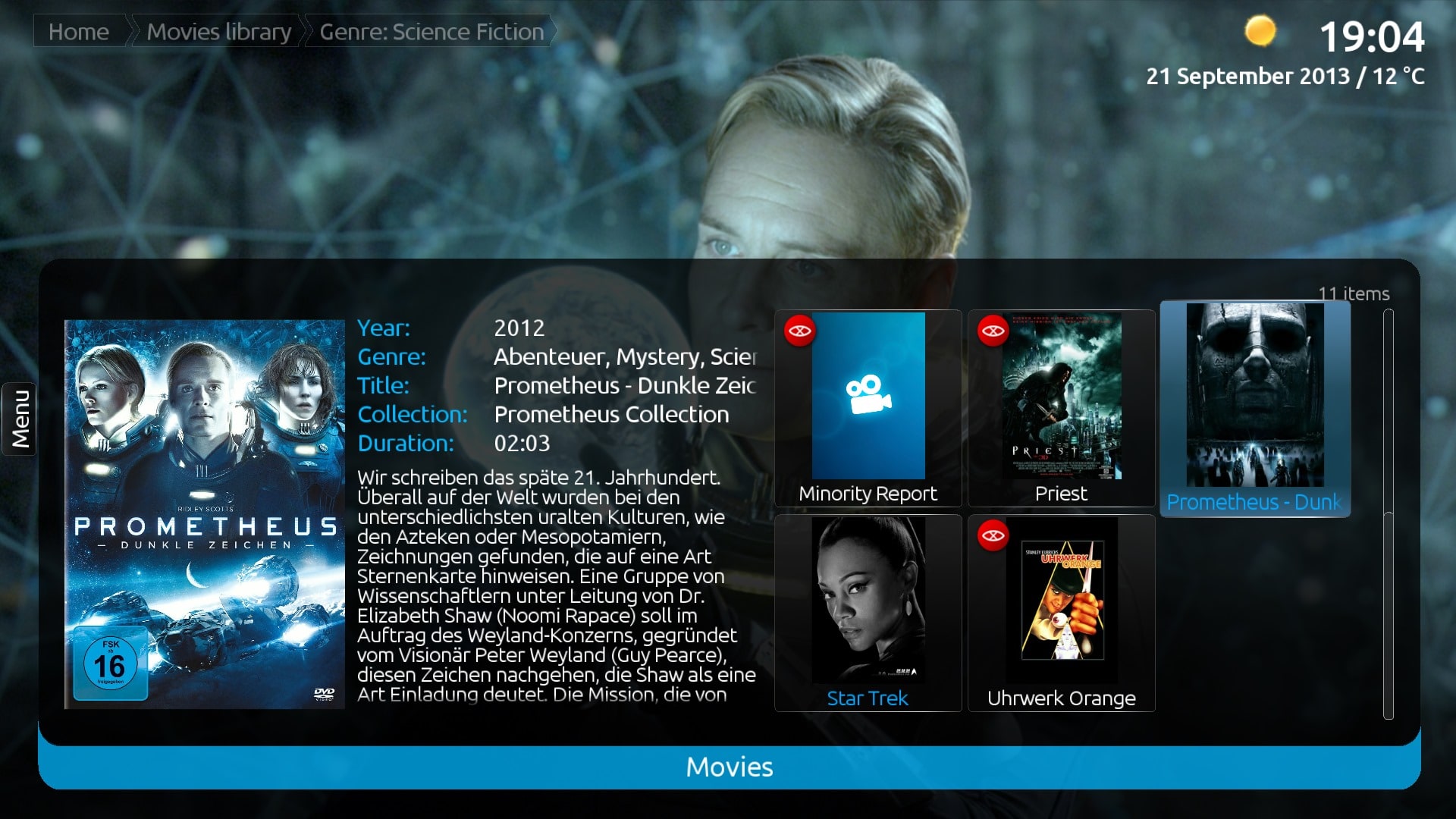
- Added animated fanart backgrounds for Series and Movies
- Improved navigation, restoring focus now works better when returning to previous screen
- Fixes
- Fixed opacity mask rendering in SkinEngine
- MediaLibrary importer now only does refresh imports
- Updated plugins
- Updated OnlineVideos plugin is included in this release
- News plugin will now download default news feeds per country on first run
- Weather plugin updated for new API
- New plugins are available!
- New WiFi configuration plugin (included)
- WebRadio plugin to play your favourite web radio streams inside MP2!
- CEC remote plugin allows controlling MP2 (Forum)
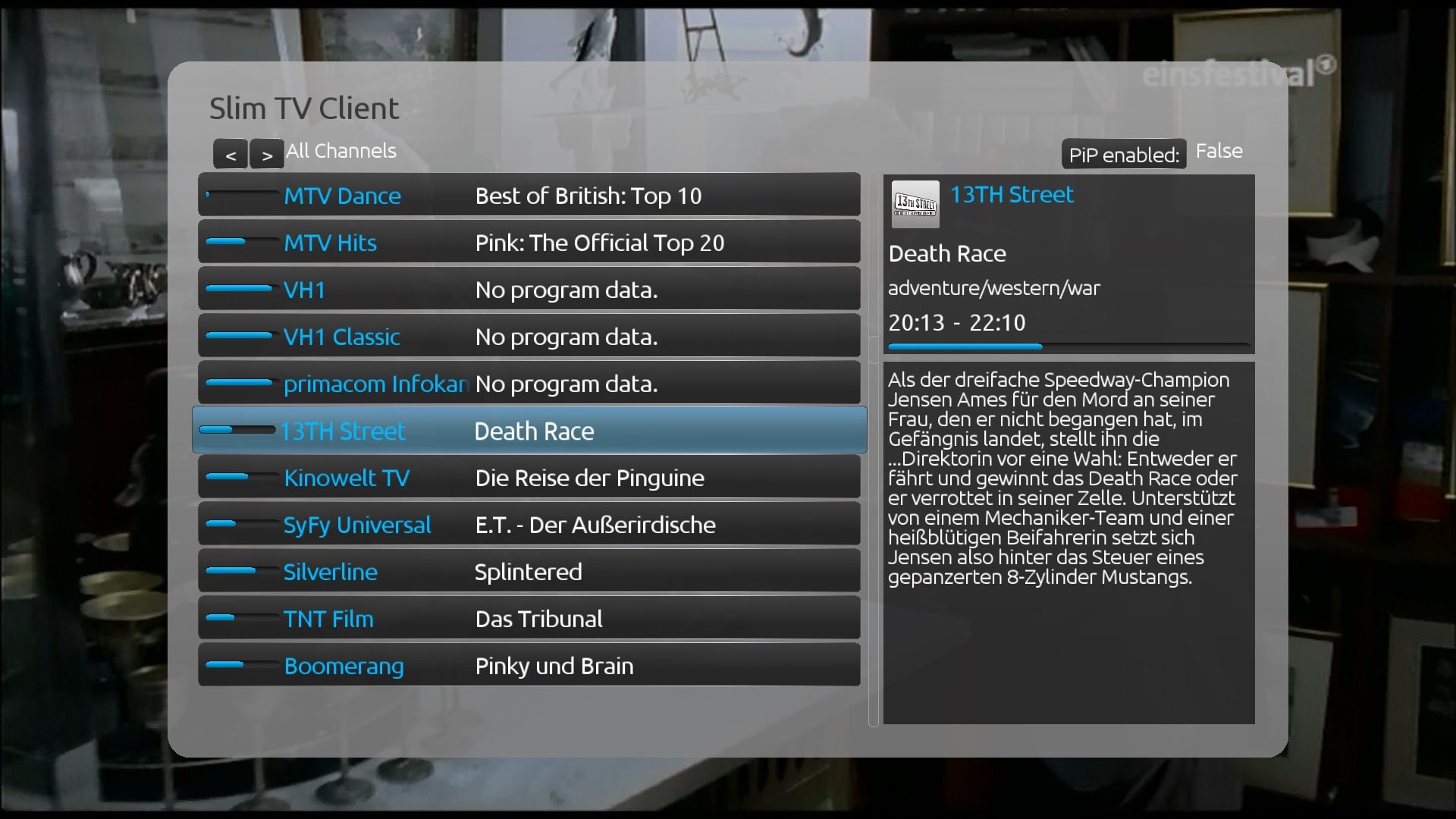
- SlimTV plugin got a reworked miniguide (Forum) - Download: SlimTV - NativeTV or SlimTV - MPExtended from the new MP2 Plugins section on our website.
The full change log is available here: MediaPortal 2 Alpha 3 change log
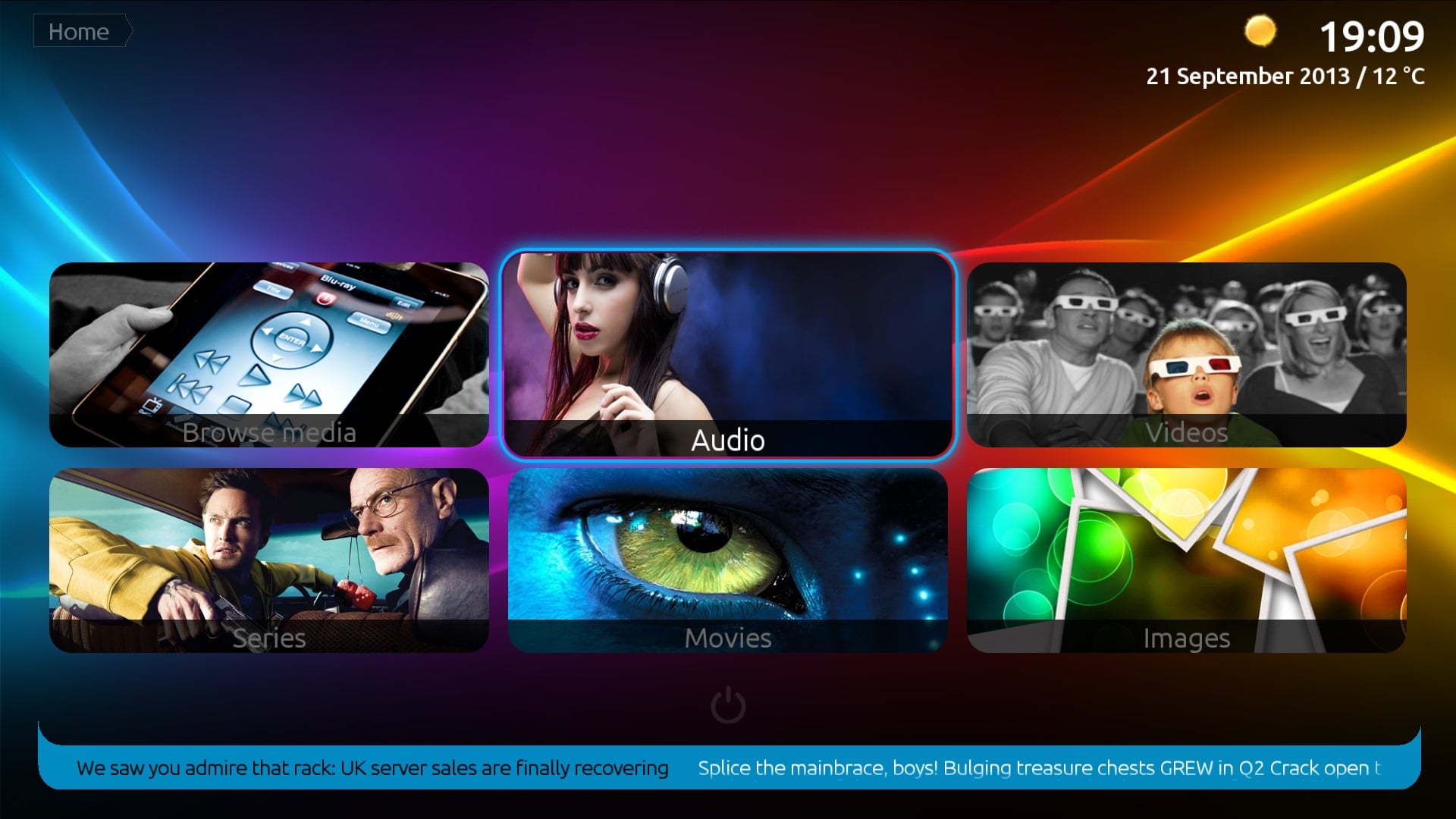
Screenshots
Installation

Before installing MediaPortal 2, you need to make sure all requirements are installed.
Then extract the downloaded .zip archive and simply run the .msi installer file. For screenshots refer to our installation wiki.
Upgrade notes
If you had an earlier version of MP2 installed you might not see your media items inside the libraries. The metadata for the media items have been extended (like the added geographic location support for images). Remove your existing share, then add a new one for the same location. Local cached online data will be kept (like covers and backdrops).
Feedback & Support

Discuss this release in the official release thread MediaPortal 2 Alpha 3
If you are looking for further information please check out MediaPortal 2 wiki first. We are heavily working to improve it.
If you don't find an answer there create a new thread in MediaPortal 2 forums.
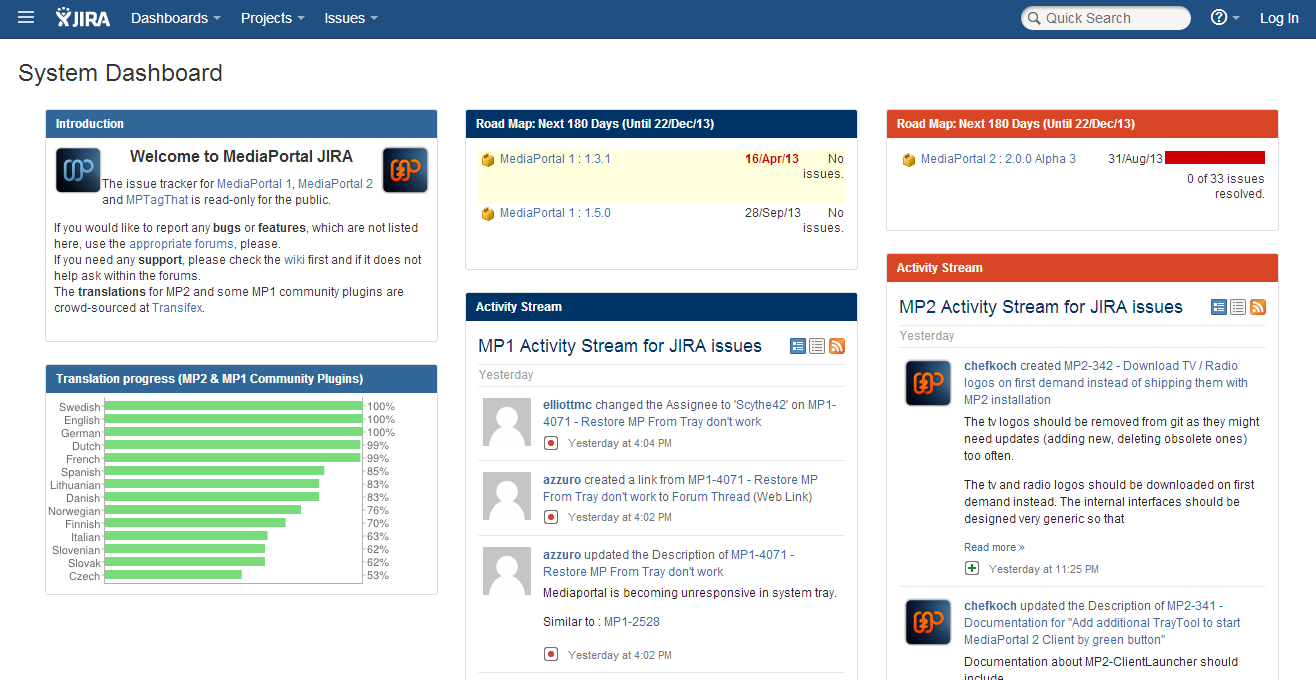
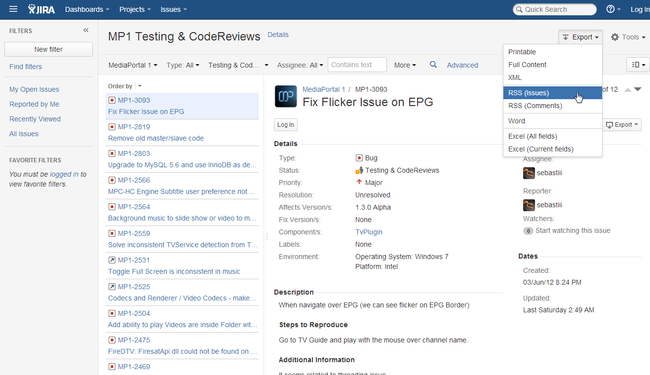
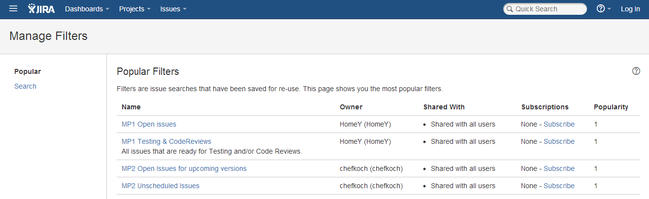
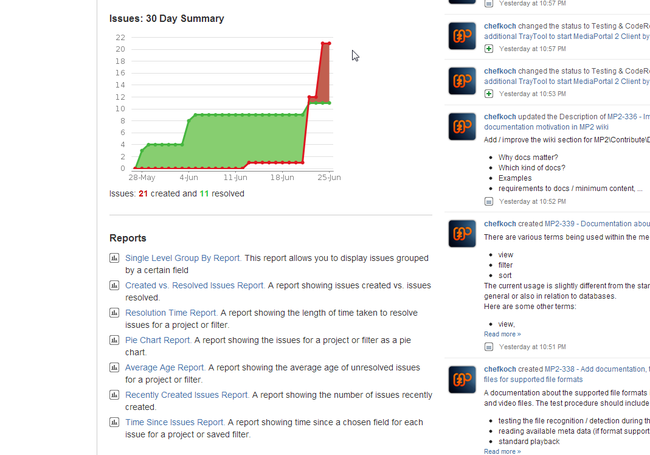
If you found a bug, please check our Issue Tracker & bug report forums first. If it has not been reported already, create a new thread.
Download
 If you would like to support MediaPortal, we would be happy to receive a small donation!
The Team wishes you a lot of fun with this new release!
.::. Download - MediaPortal 2.0 Alpha 3 .::.
.::. Download MP2 plugins .::.
 In previous releases PowerScheduler was installed during the MediaPortal installation and PowerScheduler++ could be installed as an extension. With MediaPortal 1.5 we've integrated the PowerScheduler++ functionality into MediaPortal. This change should make configuration easier (Plug&Play) and provides lots of new features like scheduled system reboot, configurable away mode and more options for remote clients.


 In this release, Windows XP is no longer supported. When you install MediaPortal on Windows XP you will get a warning that the OS is unsupported. However, as far as we know everything still works (and we even put in a couple of XP-specific fixes) so there is no need to panic. Moving forward, in the interest of further improving MediaPortal we will start a long process of cleaning up the code base. This will involve updating the system requirements to the point where maintaining any semblance of Windows XP compatibility will be simply impossible. So, if you are using MediaPortal and Windows XP, this is a good time to think about upgrading to a more modern OS.